Creating professional visuals with no budget is no longer a fantasy in 2026. Five major image‑generation AIs now offer free versions accessible to everyone. Whether you are an entrepreneur, content creator or developer, these tools can turn your vision into high‑resolution images. In this article, we test Gemini, Grok, Qwen, ERNIE and LeChat on a concrete use case: creating an advertising banner for a fictional sports equipment brand called Linkeum. We will see which one excels in terms of quality, ease of use and editing capabilities via successive prompts.
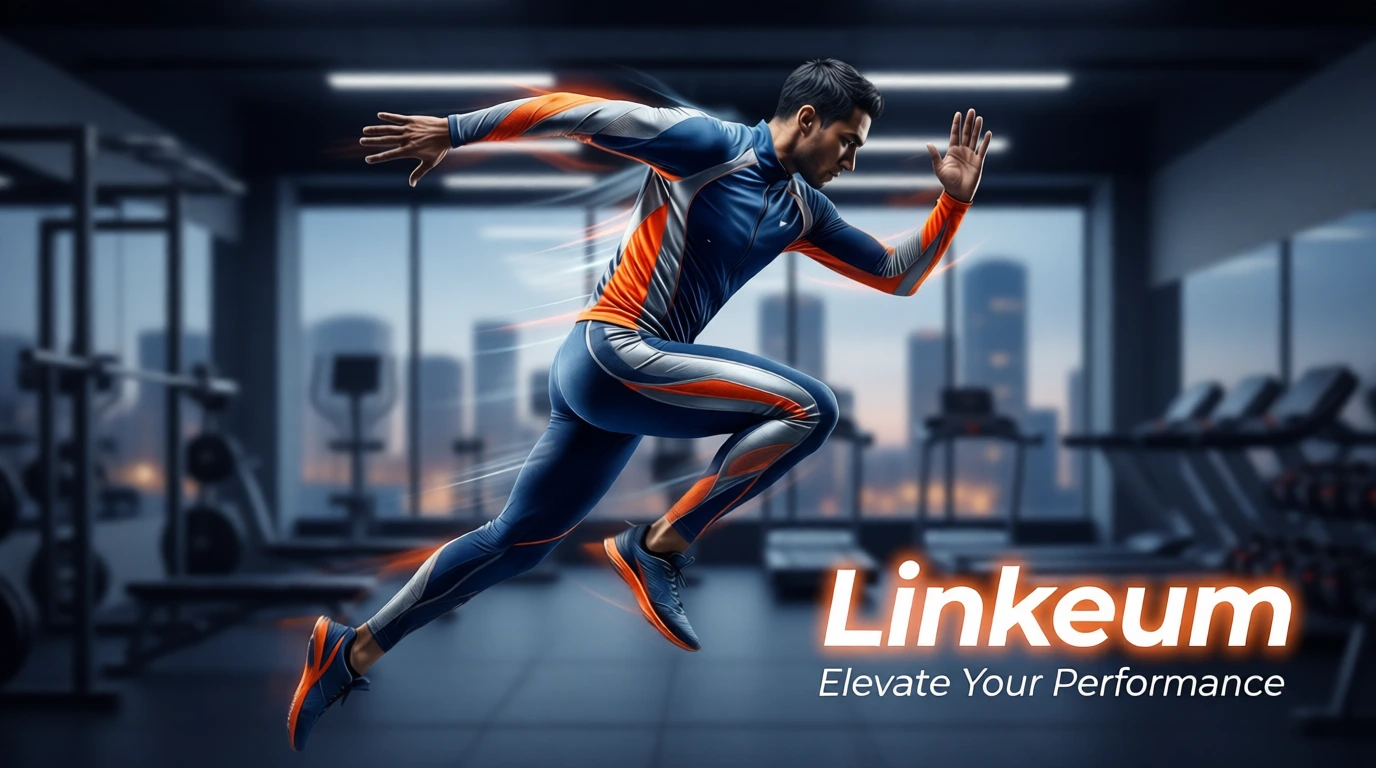
Testing Free AI Image Generators in 2026
We all need to create visuals, and we want the process to be fast, simple, and as cost-effective as possible while maintaining top quality. Whether it is to:
- Create attractive thumbnails for your articles and videos
- Generate visuals for social media without a design budget
- Quickly prototype ideas for products or services
- Illustrate your portfolio or professional presentation
- Produce marketing materials for your startup
...free AI image generators represent a major competitive advantage. We have selected five platforms that offer robust capabilities at no cost.
The 5 AIs Tested: Details and Limitations
1. Gemini (Google)
- Access URL: https://gemini.google.com
- Platform details: US platform. Interface integrated with Google services.
- Account creation: Google account required (free, simple to create).
- Free version limitations: what we were able to do: We had to create an account, after which we were able to generate images via our two prompts.
2. Grok (X)
- Access URL: https://grok.com
- Platform details: US platform. Integrated with the X platform (formerly Twitter).
- Account creation: An X/Twitter account (free) is not mandatory to use the generator.
- Free version limitations: what we were able to do: We were able to create images using our two prompts. It generated two images each time.
3. Qwen (Alibaba)
- Access URL: https://qwen.ai/home
- Platform details: Chinese platform. English interface available.
- Account creation: Free account, mandatory for image generation.
- Free version limitations: what we were able to do: We were able to create images using our two prompts. It generated one image each time.
4. ERNIE (Baidu)
- Access URL: https://yiyan.baidu.com
- Platform details: Chinese platform. English interface available. Possibility to generate images without creating an account on the ERNIE 4.5 model. For the ERNIE 5 model, an account must be created.
- Account creation: A Baidu account (free) is not mandatory to use the generator.
- Free version limitations: what we were able to do: We were able to create our images via both prompts on the ERNIE 4.5 model. It generated four images each time.
5. LeChat (Mistral)
- Access URL: https://chat.mistral.ai
- Platform details: French platform. English interface available.
- Account creation: A Mistral account (free) is not mandatory to use the generator, but the limitations without an account forced us to create one for our test.
- Free version limitations: what we were able to do: On the version without an account, we could only generate a single image. We then created an account and repeated the test. This successfully generated an image for each prompt.
Concrete Use Case: Creating a "Linkeum" Advertising Banner
To test these five AIs in a realistic scenario, we chose to create an advertising banner for "Linkeum", a fictional brand of innovative sports equipment. The test includes two steps:
Step 1: Detailed Initial Prompt (Generation)
Here is the first prompt used (in English for maximum compatibility):
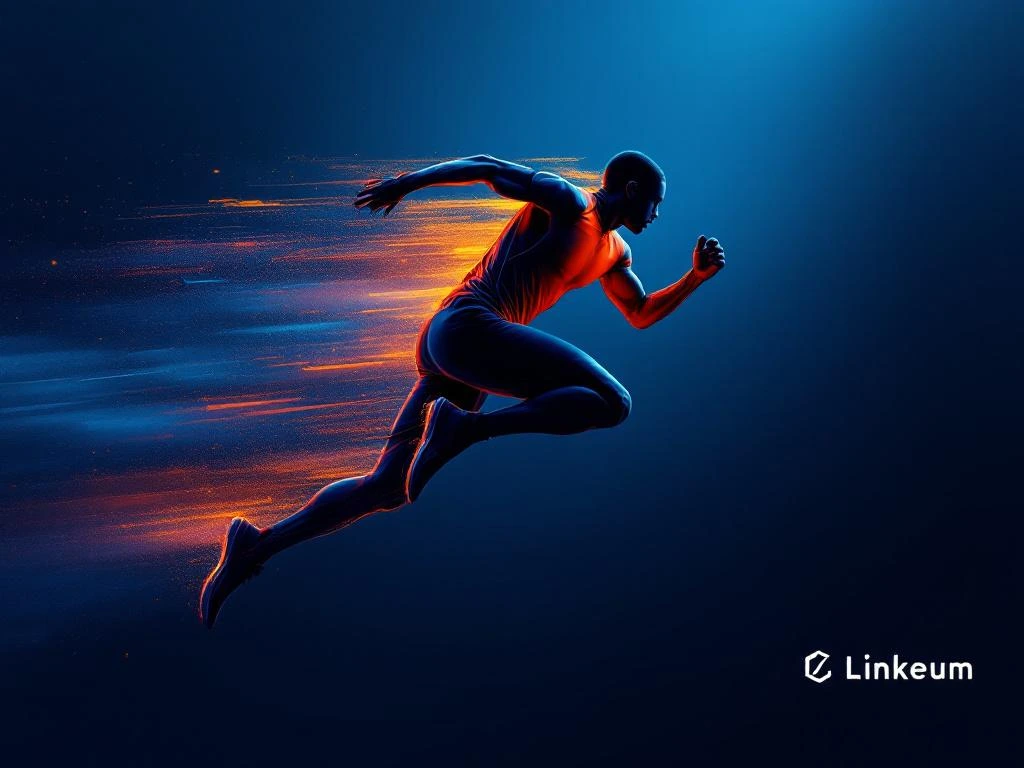
Create a professional advertising banner (1920x480px aspect ratio) for a sports equipment brand called 'Linkeum'. The banner should feature a dynamic athletic silhouette in mid-motion (jumping or running), wearing sleek modern sportswear in the brand colors: deep blue (#003D7A), silver (#C0C0C0), and vibrant orange (#FF6B35). The background should be a gradient from dark blue to transparent, suggesting speed and energy. Include the 'Linkeum' logo text in bold, modern sans-serif font (white color, positioned in the lower right). Add a subtle tagline: 'Elevate Your Performance' in smaller text below the logo. The overall style should be premium, modern, and aspirational, appealing to tech-savvy athletes aged 18-40. High-quality rendering, cinematic lighting.
Step 2: Modification Prompt (Editing)
The second prompt tests the capability to modify the image via a new prompt:
Modify the previous Linkeum advertising banner by: 1) changing the background from a blue gradient to a more vibrant dynamic scene with a modern urban gym environment slightly blurred in the background, 2) adjust the athlete's pose to be more explosive (dynamic jumping motion), 3) increase the saturation of the orange accent color, 4) make the 'Linkeum' text glow slightly with an orange halo effect. Keep the same aspect ratio and overall professional premium feel. The image should feel more energetic and contemporary.
Test Results
Gemini Results
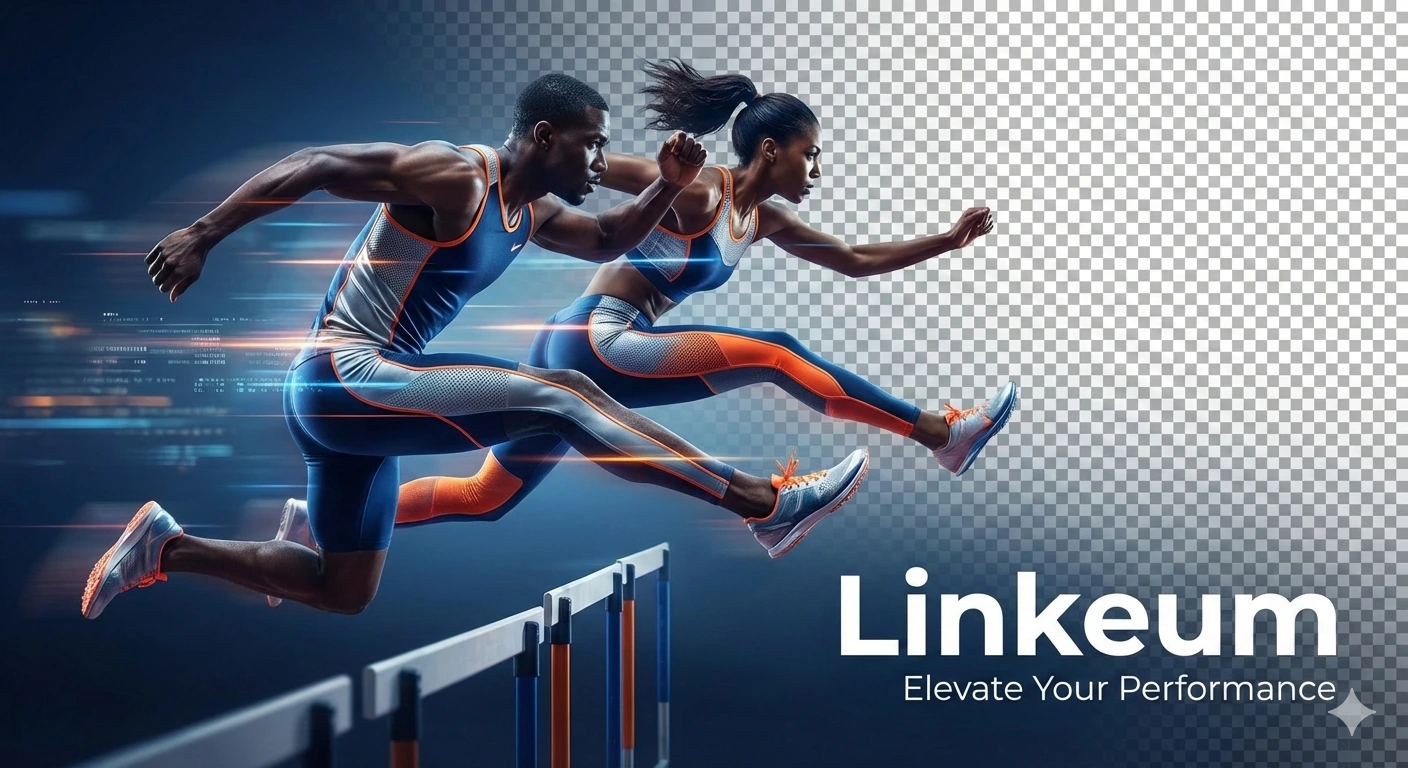
Prompt 1 (Initial Generation):
Prompt 2 (Modification):
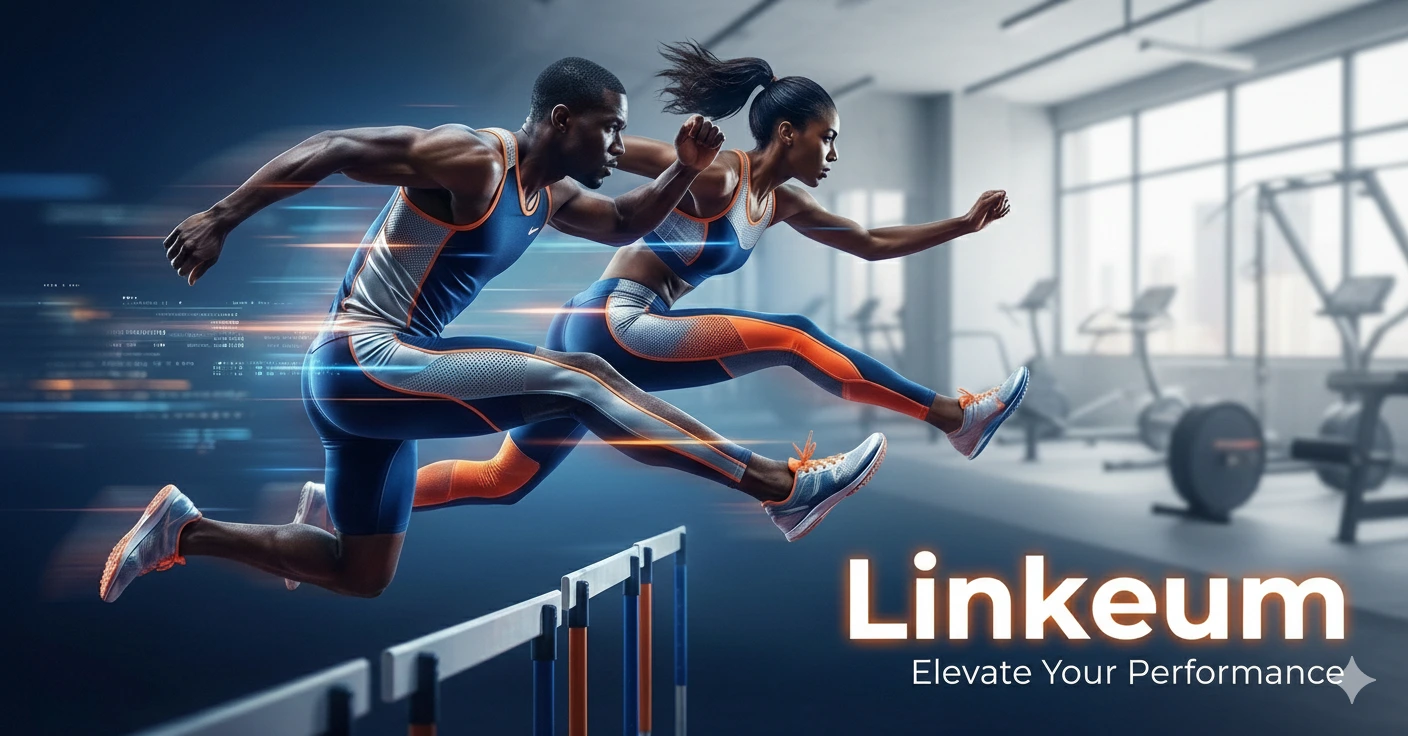
Observations on Gemini results: The white pictogram in the bottom right corner is annoying for having a usable image right away without retouching. The only generation with two characters. Hands correctly have 5 fingers. The brand name and slogan are present. The second prompt successfully modified the background and text but did not change the athletes.
Grok Results
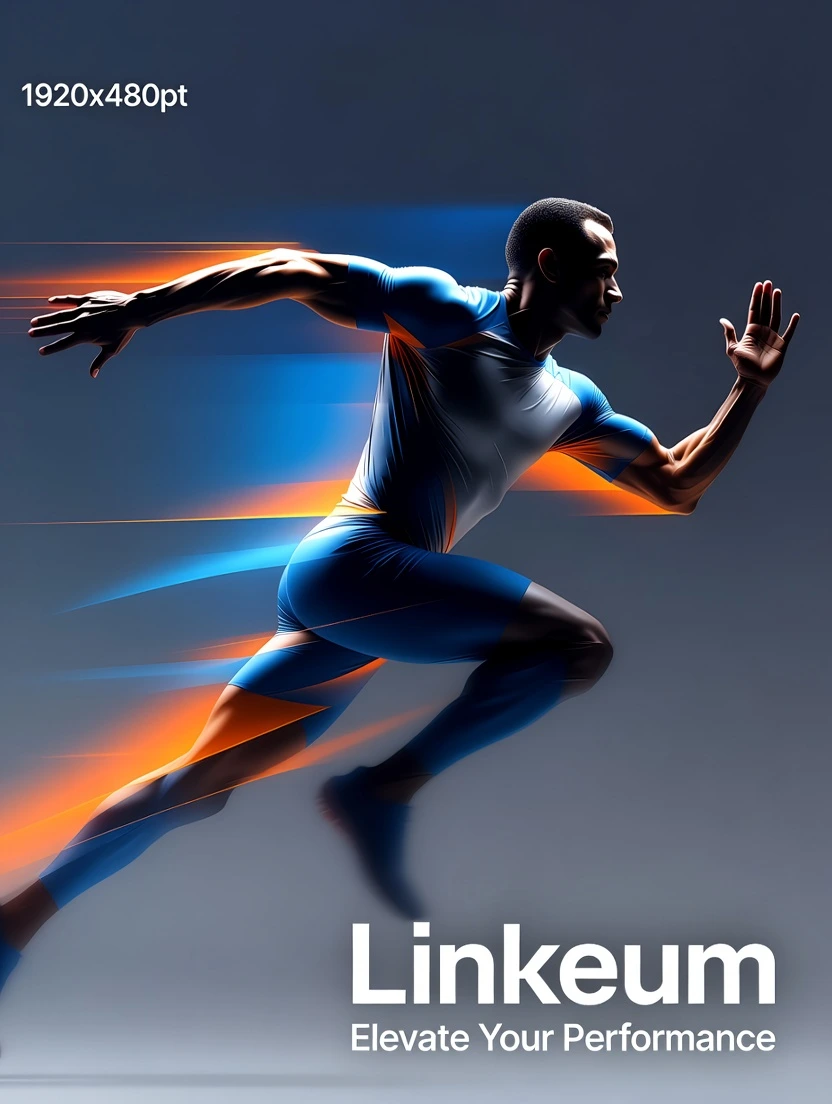
Prompt 1 (Initial Generation):
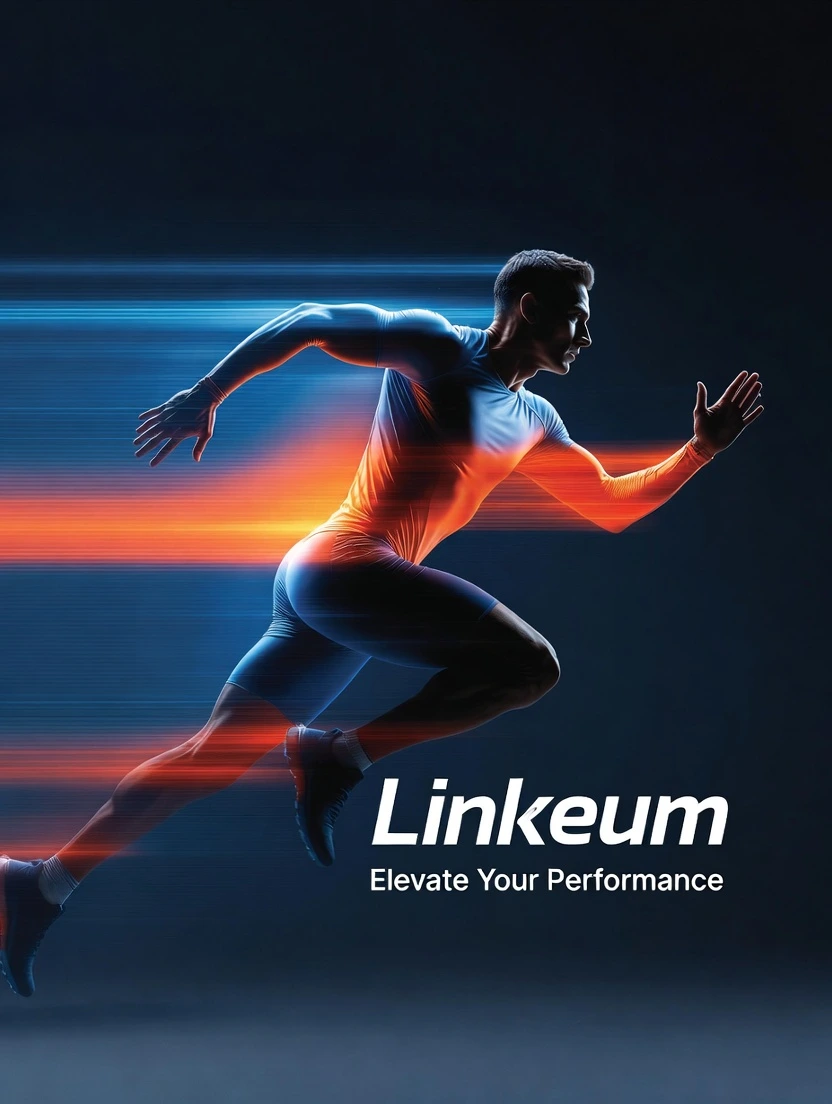
Prompt 2 (Modification):
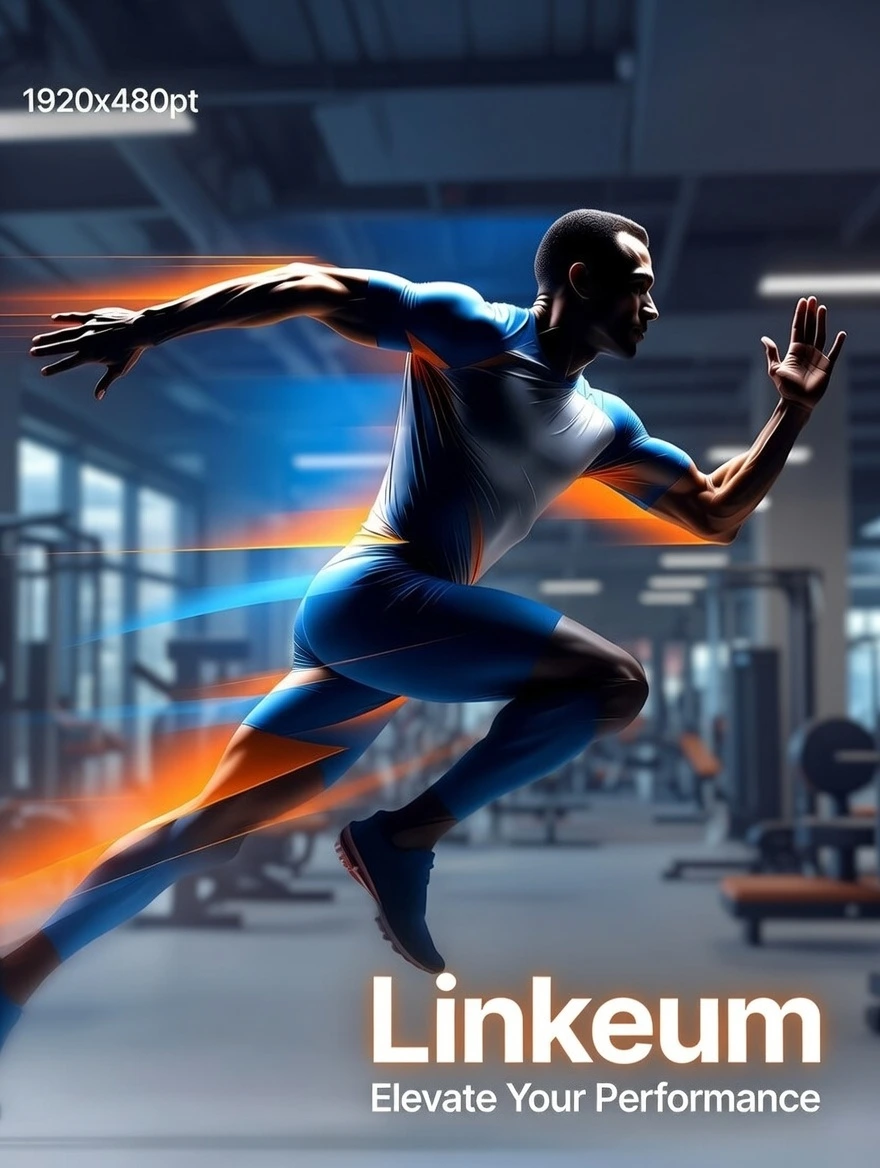
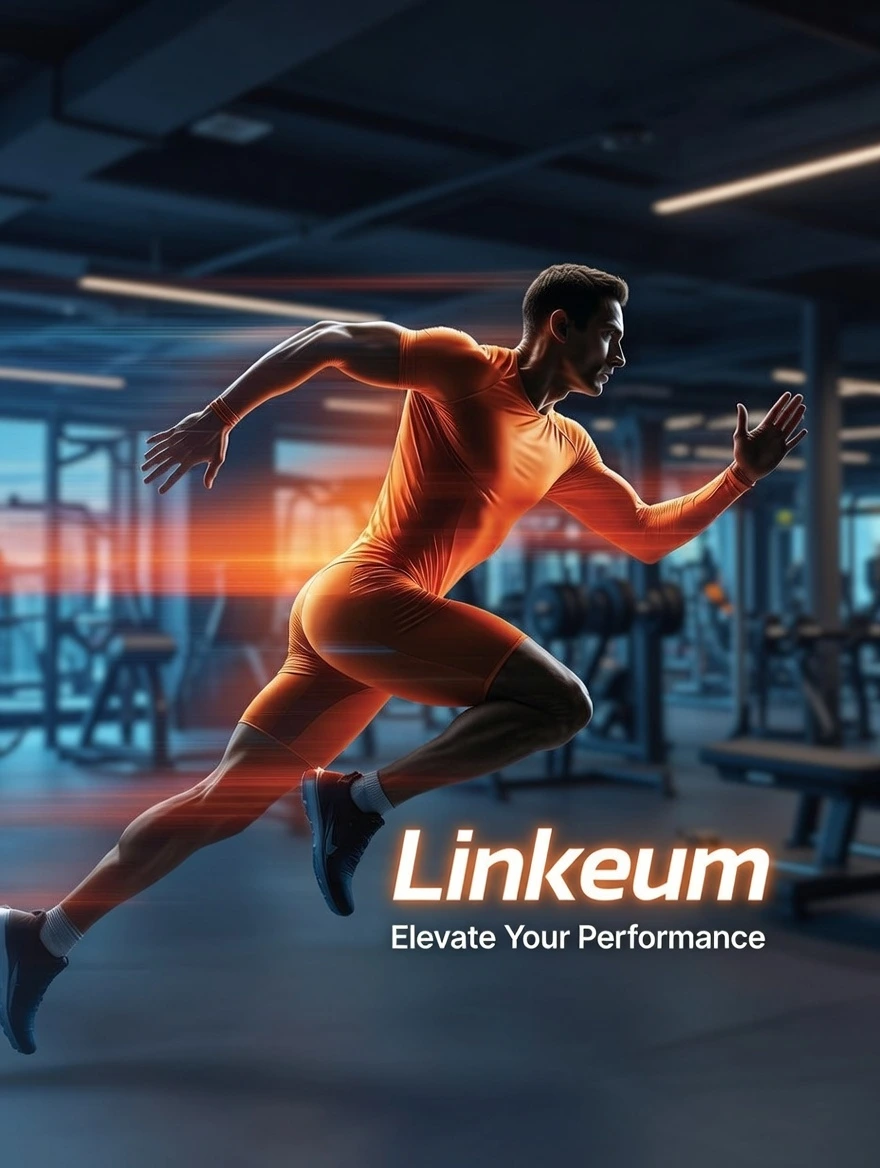
Observations on Grok results: Hands correctly have 5 fingers. The brand name and slogan are present. There is intrusive text "1920x480pt". The second prompt successfully modified the background and text.
Qwen Results
Prompt 1 (Initial Generation):
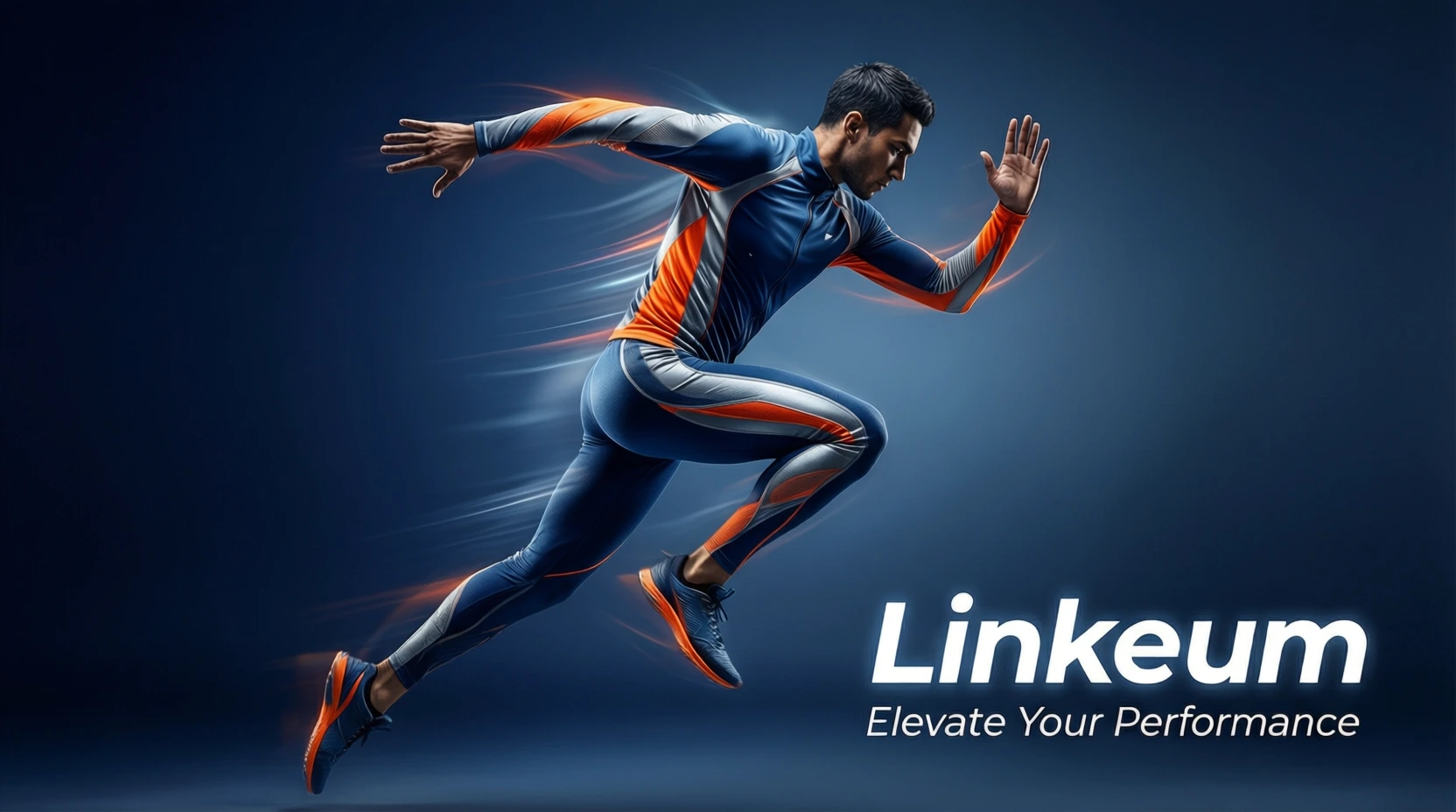
Prompt 2 (Modification):
Observations on Qwen results: Hands correctly have 5 fingers. The character is quite precise. The brand name and slogan are present. The second prompt successfully modified the background and text, but not the model.
ERNIE Results
Prompt 1 (Initial Generation):
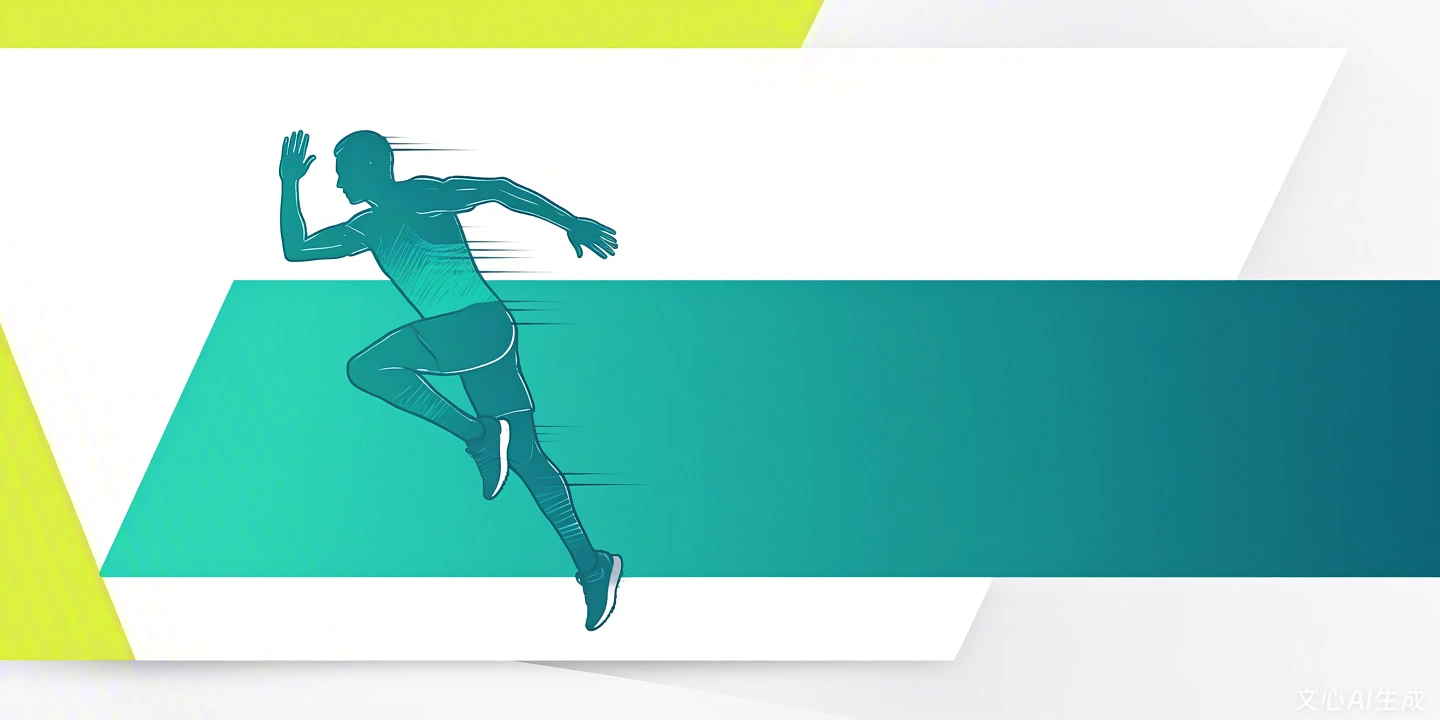
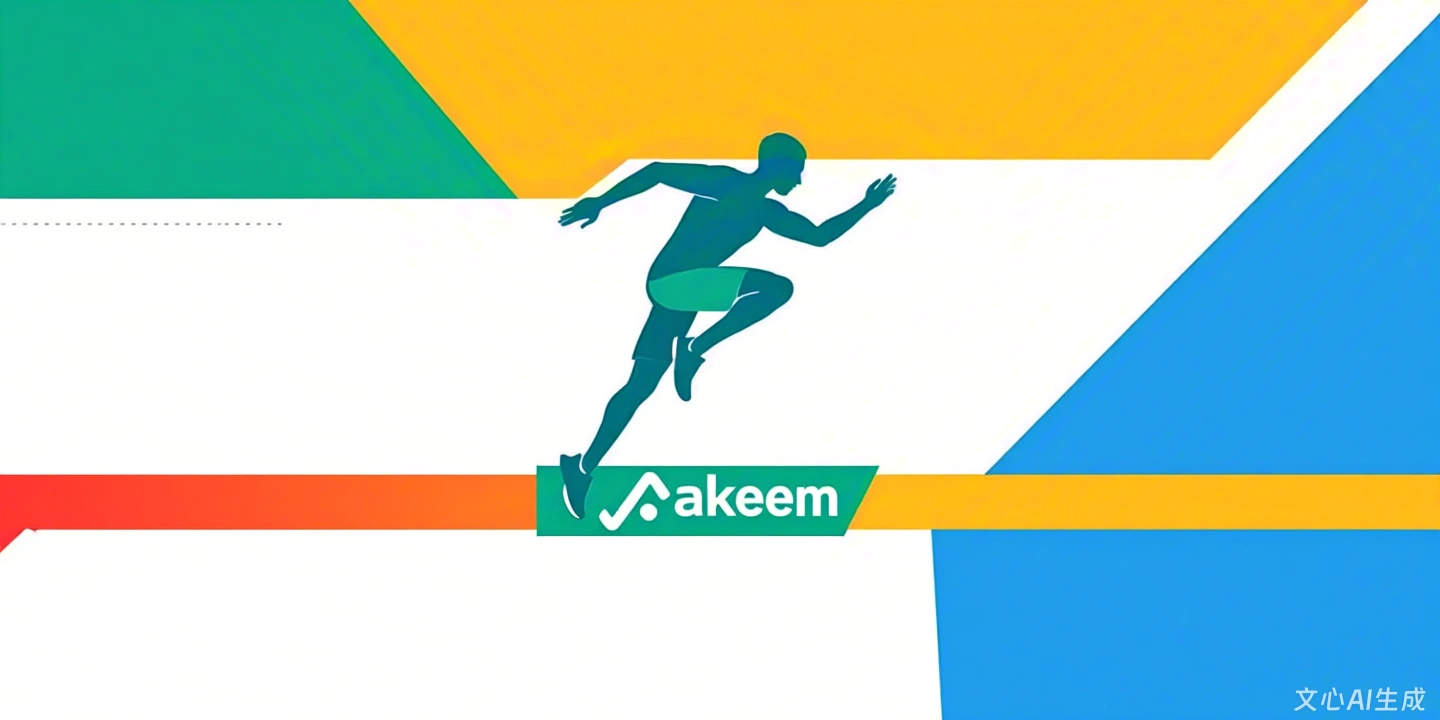
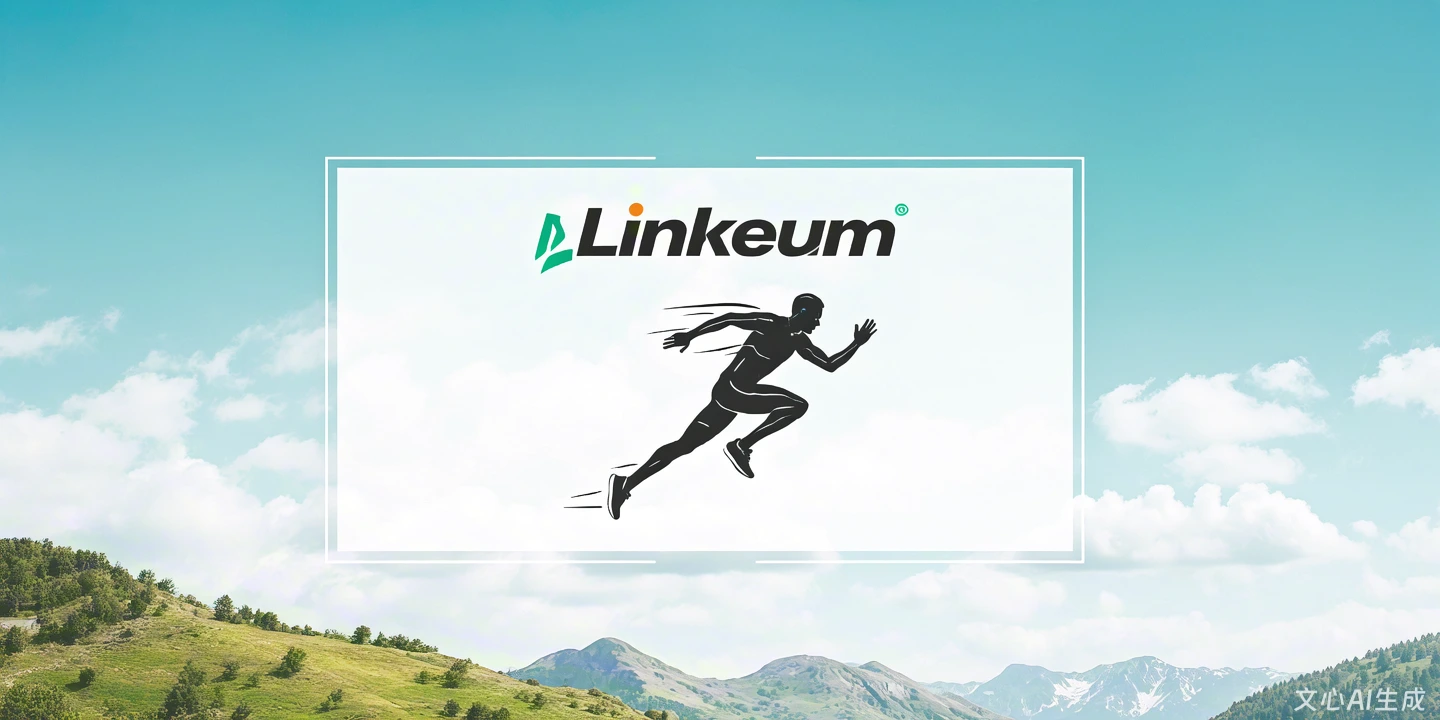
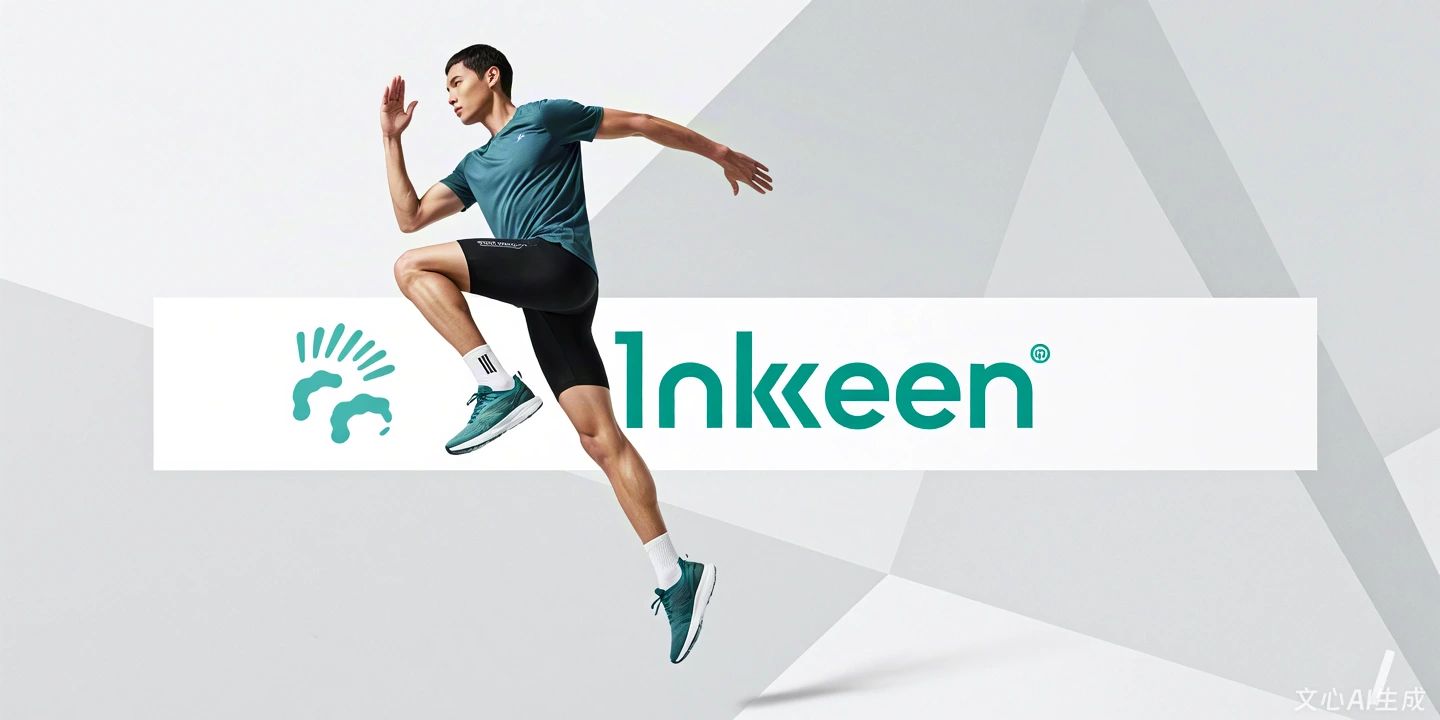
Prompt 2 (Modification):
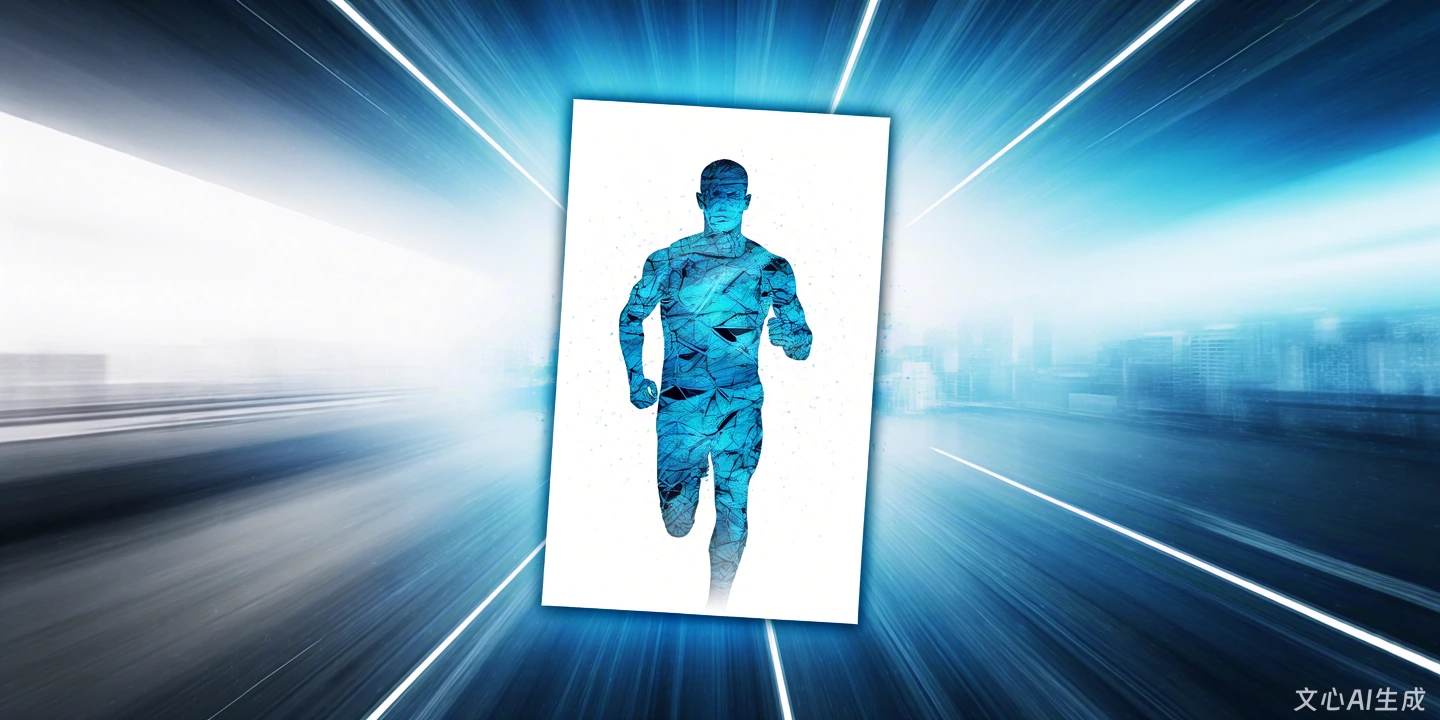
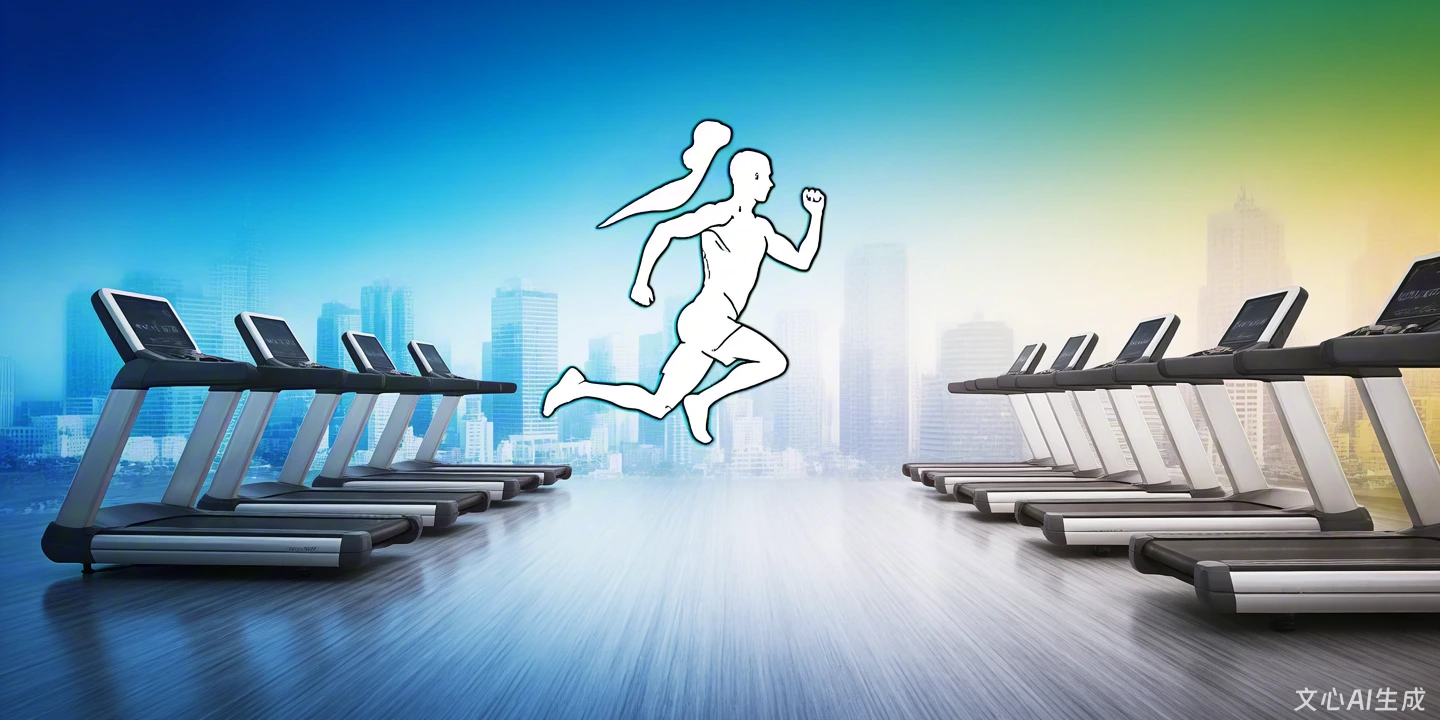
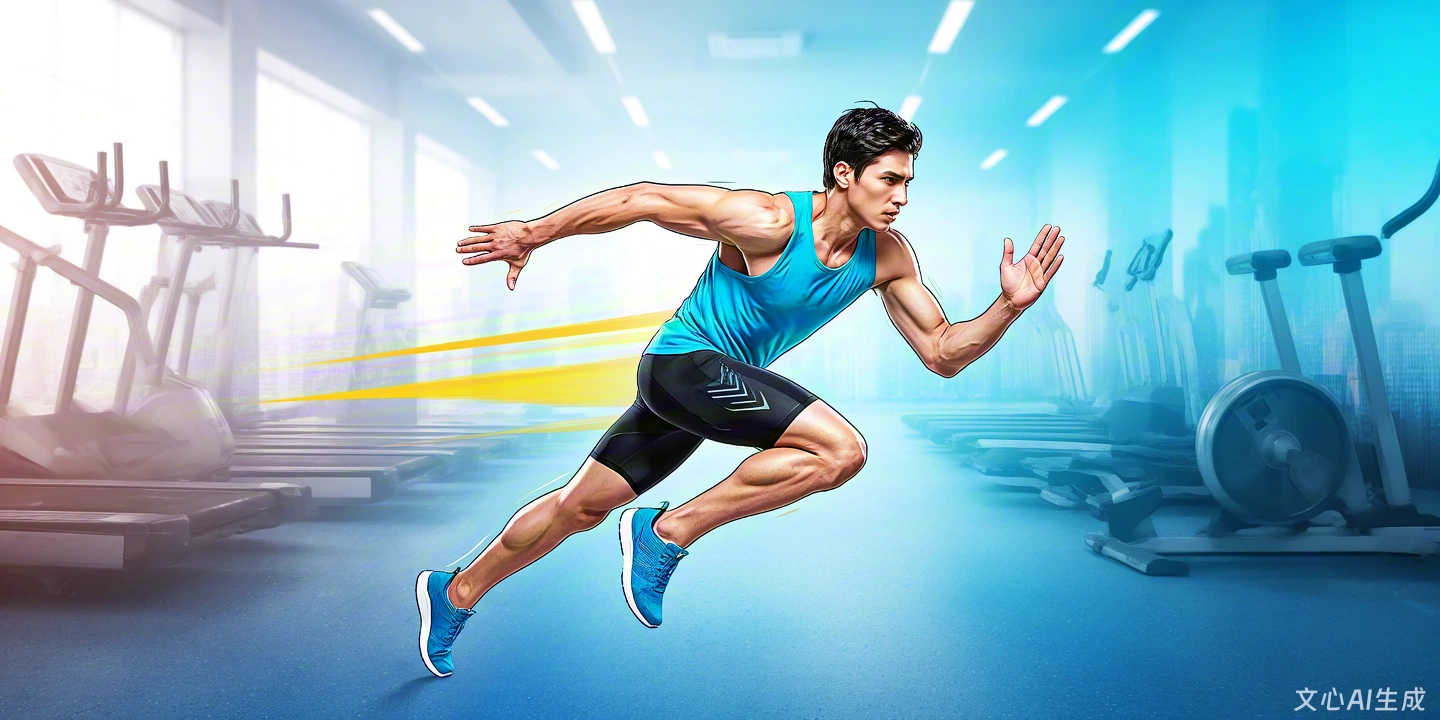
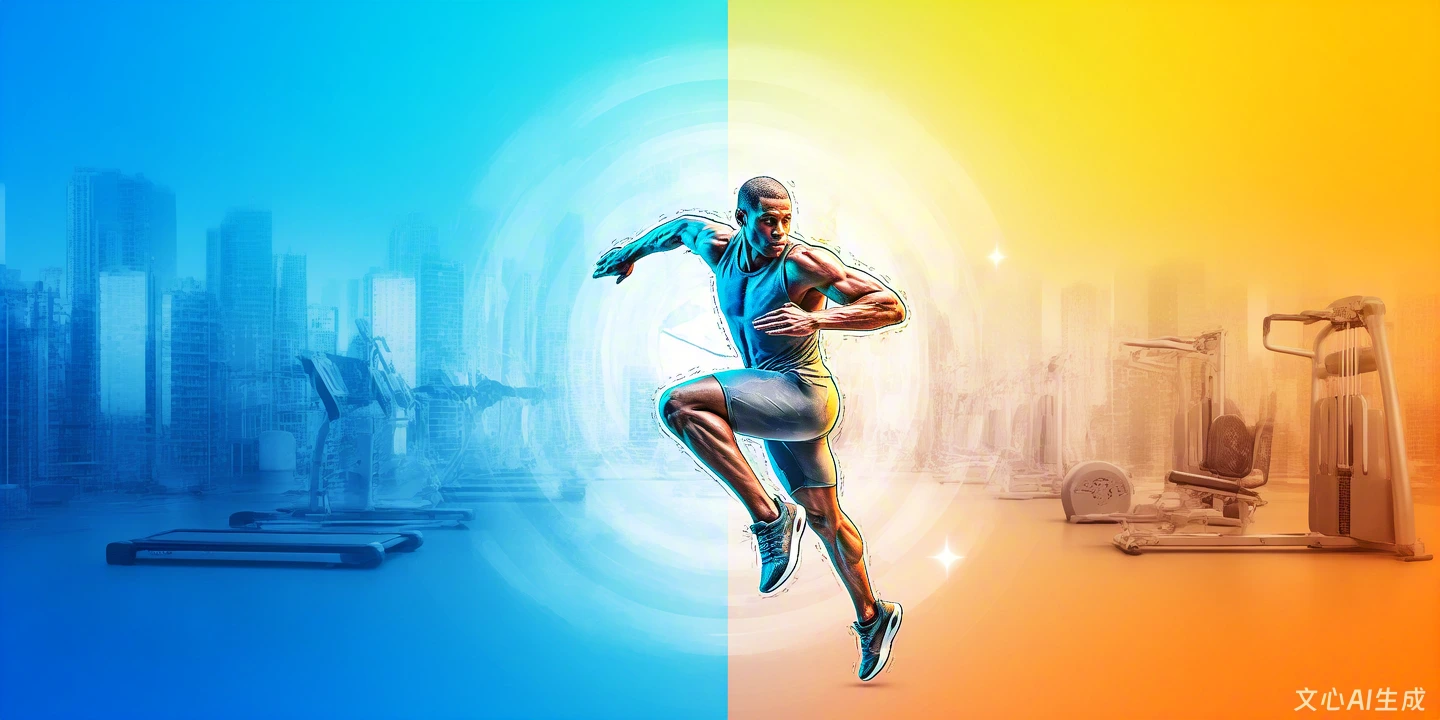
Observations on ERNIE results: The model used was 4.5 (not the newest). The style is more illustrative. The brand name and slogan are incorrect.
LeChat Results
Prompt 1 (Initial Generation):
Prompt 2 (Modification):
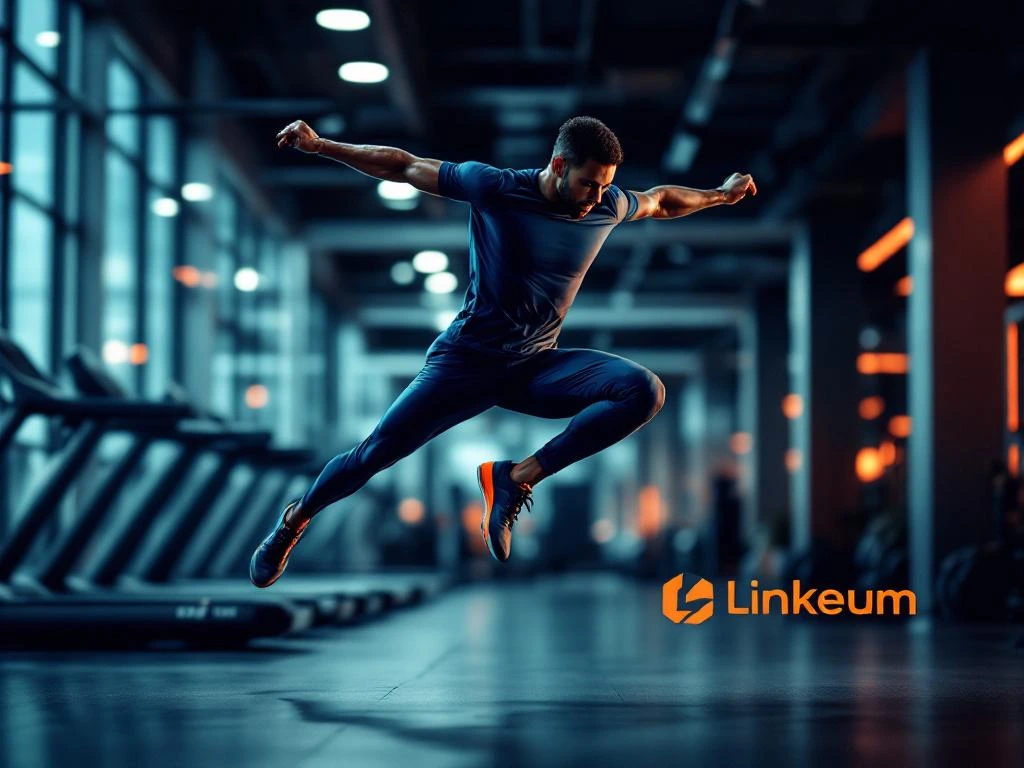
Observations on LeChat results: On the first prompt, the athlete is not precise enough, especially regarding the hands. The slogan does not appear. The second prompt was generally well taken into account.
Key Takeaways
No comments yet. Be the first to react!


Log in to join the discussion.